Settings are split into video, audio, game, and keybinds. The goal of a competitive setup is a readable picture and a crosshair you stop changing every death. An April 2026 settings guide documented the menu. Later patches can move a control, so confirm the label in your client.
Video clarity
That guide recommends Global Shadows off, Glass Shatter off, Muzzle Flash off, Ragdolls off, and First Person Tracers on. Shadows are the setting with the largest visual cost if you prefer the atmosphere. Tracers are the option that still gives shot feedback.
HUD and items
Recommended starting point from the same menu screenshots:
| Setting | Starting point |
|---|---|
| Auto re-zoom sniper after a shot | On |
| Detach silencer on M4A1-S and USP-S | Off |
| Always show inventory | On |
| Auto pickup dropped weapons | On |
| HUD scale | 1 |
| HUD color | Team color |
| Glow weapon with rarity color | Off |
| Game instructor messages | Off |
Leave the silencer attached unless you have a reason to hear and show the unsuppressed gun. Rarity glow is cosmetic noise.
Radar and viewmodel
A readable radar in that guide used rotating radar on, HUD size 1.3, and map zoom 0.7, with ping and FPS shown. Viewmodel offsets were left at 0, 0, 0. Change one of those only after several rounds, not after one missed shot.
Crosshair
Classic, static, and image crosshairs all exist. A static classic crosshair is easier to trust while you learn. Pro-player length and gap numbers from other games are inspiration, not a BloxStrike ranking. If you use an image, open a Roblox decal, copy its asset ID, set Crosshair Style to Image, and paste the ID. If the image fails to load, switch back to a classic crosshair.
Keybinds worth checking
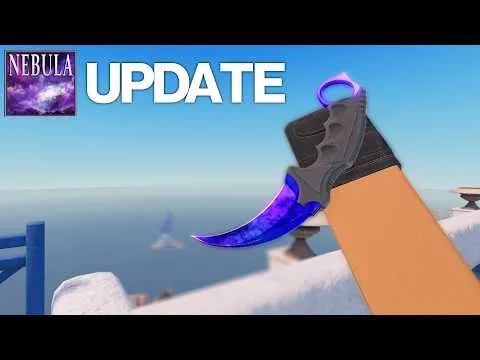
The 30 June 2026 Nebula update shows Buy Menu on B, Fire on MouseButton1, and Scoreboard on Tab in that desktop layout. Movement defaults shown elsewhere are W A S D, Space to jump, Left Control to crouch, and Left Shift to walk. Rebind anything you already miss, then stop editing for a few matches.
Open settings during a round with N only if your keybinds page still says so.